Best Free AI Video Generators Like Sora (No Watermark)
There is one thing every guide to Sora alternatives must say first: Sora is gone. OpenAI shut down the Sora web and app experience on April 26, 2026, and the Sora API followed on September 24, 2026. If a list still tells you to sign up at Sora, it has not been updated in months. The good news is that the tools below have filled the gap, and several of them export video with no visible watermark on their free tier.
Before the list, an honest note. Truly free and truly watermark free video is rare, and free tiers change often. Some tools below give you clean exports but forbid commercial use on the free plan. Others give you a one time credit grant rather than an ongoing free tier. Almost every major model also adds an invisible provenance mark, such as Google SynthID, even when there is no visible logo. Check the official pricing and terms page of any tool before you build a workflow around it. With that said, here are the best free options in November 2026.
Quick Comparison: Free AI Video Generators With No Watermark
| Tool | Free Tier | Visible Watermark on Free | Commercial Use on Free | Best For |
|---|---|---|---|---|
| Google Veo via AI Studio | Rationed daily access | No | Check terms | Best free quality overall |
| Pika | Free plan, credit packs | No | No | Cheap multi model testing |
| Luma Dream Machine | About 30 generations a month | No on standard outputs | Check terms | Most generous free clean tier |
| Hailuo AI by MiniMax | Daily credits | No | Check terms | Short social clips |
| Seedance | Free creator tier | No for creator and social use | Check terms | Free clean clips for social |
| Wan 2.7 self hosted | Unlimited, you run it | No | Yes | Full control and full rights |
| Runway | 125 credits, one time | Yes, paid removes it | No | Professional directed shots |
Share:
1. Google Veo via AI Studio
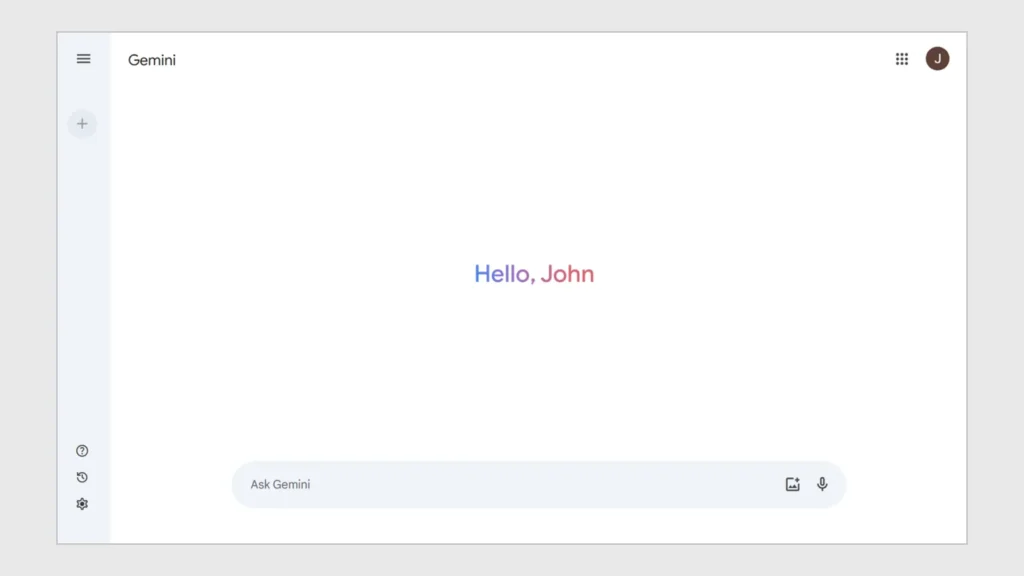
Google DeepMind Veo is the closest like for like replacement for Sora, and the free route runs through Google AI Studio rather than a consumer app, which is why many roundups miss it. Veo produces photoreal clips with audio generated in the same pass as the video, not added afterwards, and it has topped human preference tests for visual quality, physics realism and prompt adherence.
Free access inside AI Studio is rationed rather than a published allowance, so expect a daily limit that Google adjusts based on demand, roughly in the range of a handful to around twenty generations a day. Output carries no visible watermark, which is unusual at this tier, though like nearly every major model it carries the invisible SynthID provenance mark. There is no free tier on the developer API.
Pricing note: free inside AI Studio in rationed amounts, with paid access through Google AI plans for higher limits. Pricing varies by plan, so check the official Google AI page for current rates.
Best for: creators who want the highest free quality with the least friction. Watch out for: the rationed limit means you cannot always generate on demand at busy times.
2. Pika
Pika is the only major tool whose official pricing page states that the free plan has no watermark, which makes it the safest answer to the question in this article title. Pika now bundles its own Pika 2.5 model with outside models such as Seedance 2.5 and Wan 3.0, so one free account lets you test several video engines side by side.
The free plan works on credit packs rather than a monthly credit grant, and clips are short, typically a few seconds. The catch is commercial use: free and Starter outputs do not include commercial rights, so Pika is best for learning, testing ideas and personal projects unless you upgrade.
Pricing note: free plan with no watermark and no commercial use. Paid plans start at around 10 dollars a month for the Starter plan.
Best for: anyone who wants to compare several video models cheaply, and creators who need clean clips for non commercial work. Watch out for: you will need a paid plan before using clips in monetized videos or client work.
3. Luma Dream Machine
Luma Dream Machine, built around the Ray 3 model, offers one of the most generous genuinely free and clean tiers in this category: around 30 generations a month with no watermark on standard outputs. Clips are short, around 5 seconds, and quality is strong for stylized and cinematic looks.
Luma is easy to use. Type a prompt or upload a starting image, pick a style, and the tool returns a clip you can download and use. It is a good fit for social content, concept videos and storyboarding, where short clips are exactly what you need.
Pricing note: free tier of around 30 generations a month. Paid plans add more generations, longer clips and higher resolution. Check the official Luma pricing page for current rates.
Best for: social creators who want a steady monthly allowance of clean clips. Watch out for: clip length is short, so longer videos need stitching in an editor.
4. Hailuo AI by MiniMax
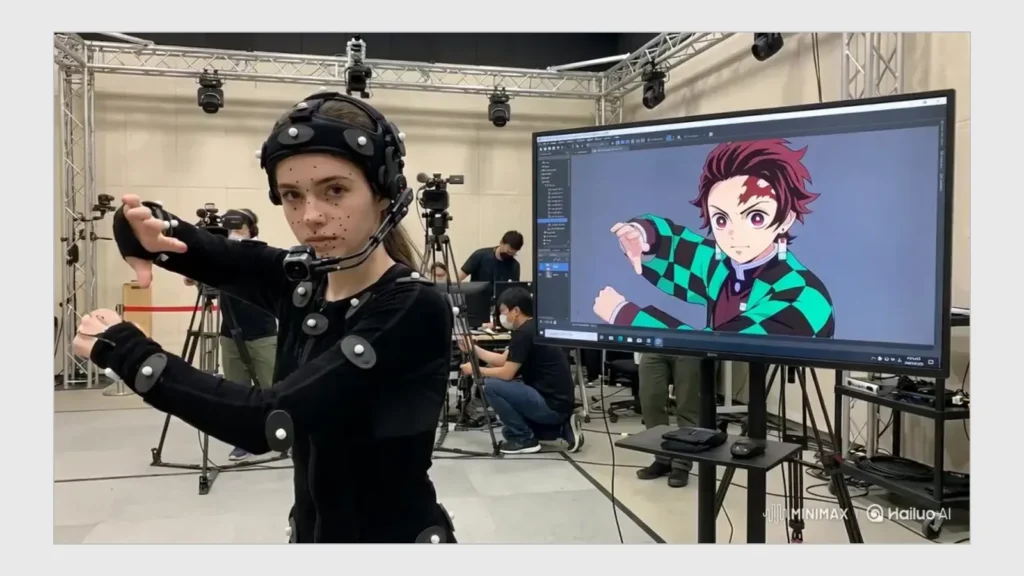
Hailuo AI, from MiniMax, is a popular free option for short clips, with daily credits and no watermark on free outputs according to current roundups. Clips run around 6 seconds, and the model is known for lively motion and good prompt following, which suits TikTok, Reels and Shorts.
Hailuo also offers image to video, so you can animate a still image, a product photo or an AI generated still from a tool like the ones in our article 30+ Best AI Image Prompts to Copy and Paste in 2026. That combination, a still image plus Hailuo motion, is one of the cheapest ways to make eye catching social video.
Pricing note: free daily credits. Paid plans add more credits and higher resolution. Check the official Hailuo page for current limits and terms.
Best for: short social clips and animating still images. Watch out for: free tier terms and commercial rights change often, so confirm them before publishing.
5. Seedance
Seedance, from Volcano Engine, has moved fast in 2026. Seedance 2.0 offered free clean clips for creator and social use, and the newer Seedance 2.5 flash model is described by its maker as close to the full Seedance 2.5 in quality while generating twice as fast and beating the older Seedance 2.0 flagship overall. It is also available inside Pika, which is a convenient way to try it without another account.
Seedance is a strong pick for social video, product clips and quick concept work. Availability and free limits vary by region and by platform, since Seedance is offered both directly and through partners, so your exact free allowance depends on where you access it.
Pricing note: free creator and social tier with clean exports. Paid access and limits vary by platform, so check the official page for your region.
Best for: fast, free, clean clips for social media. Watch out for: the experience differs between the direct app and partner platforms such as Pika.
6. Wan 2.7 Self Hosted

If you want unlimited generation, no watermark and full rights, the answer is to run the model yourself. Wan 2.7 is an open weight video model you can self host, which means no credits, no daily caps and no licensing grey areas on the output. It is the only option on this list where free genuinely means unlimited.
The trade off is hardware. You need roughly a 24 GB or larger GPU to run it well, plus the patience to set it up. If you have that hardware, or you can rent a GPU by the hour, Wan is the most powerful free option here by a wide margin. If you do not, start with one of the hosted tools above and come back to Wan later. Readers who liked our guide How to Run DeepSeek and Llama Models Locally on a Low End PC will recognize the same local setup mindset.
Pricing note: the model weights are free. Your cost is hardware or GPU rental, starting from around 20 cents an hour on rental platforms, with rates varying by provider.
Best for: technical creators who want unlimited clean video and full commercial freedom. Watch out for: setup takes time, and rendering is slow without a strong GPU.
7. Runway
Runway is on this list with an asterisk: its free tier is watermarked. It earns its place because it is the most professional video platform here, and because its free grant is genuinely useful for evaluation. The free tier gives you 125 credits as a one time grant, enough for around 10 seconds of Gen 4.5 video, with no expiry.
Runway is more than a generator. It is a full creative platform with directed camera controls, editing tools and a polished workflow for professional work. If you like what you make with the free credits, the Standard plan removes watermarks and unlocks far more generation.
Pricing note: 125 free credits, one time, with watermark. Standard plan from around 12 dollars a month billed yearly, with no watermarks and 625 credits. Check the official Runway pricing page for current rates.
Best for: creators who want professional control and are willing to pay once they know the tool fits. Watch out for: the free grant does not renew, so use it to evaluate, not to produce.
What About Kling?
Kling deserves a mention even though it misses the no watermark cut. It offers the most usable ongoing free allowance in the category, 66 credits that reset every 24 hours, and it is a strong pick for realistic motion. But free output is watermarked, capped at 720p, limited to Standard Mode and licensed for personal and portfolio use only. Paid plans start at around 10 dollars a month. If you can live with a watermark while you learn, Kling is excellent for practice. If you need clean exports, pick one of the tools above.
How to Choose the Right Free Video Generator
Start with your goal. For the best free quality, use Veo in Google AI Studio. For a stated no watermark free plan, use Pika. For a steady monthly allowance of clean clips, use Luma. For short social clips, try Hailuo or Seedance. For unlimited use and full rights, self host Wan 2.7. For professional work you plan to pay for, evaluate Runway with its free credits first.
Two practical tips apply to all of them. First, keep clips short and stitch them in an editor such as CapCut desktop, whose core editing does not watermark your own footage, rather than asking any generator for a long video in one pass. Second, always check commercial rights before publishing. A clean export is not the same as a commercial licence, and most free tiers draw that line clearly in their terms.
Conclusion
Sora is gone, but free AI video is in better shape than ever. Veo, Pika, Luma, Hailuo, Seedance and Wan all give you clean clips without paying, each with its own trade offs around length, limits and commercial rights. Try two or three this week, compare the results for your own style, and keep the one that fits your work. And remember to verify the current free tier on the official site before you commit, because in this category the free tier you read about today can change next month.
Don’t Miss These, Explore More Topics