Top 10 Open-Source Alternatives to ChatGPT Plus (Run Locally)
ChatGPT Plus costs $20 a month, sends your conversations to OpenAI servers, and stops working when your internet does. In 2026, you can get the same chat experience on your own computer, for free, with open weight models that run entirely locally. Your prompts never leave your machine, there is no monthly fee, and the assistant keeps working offline.
The trade off is honest: even the best local model is weaker than the frontier models behind ChatGPT, and the model has to fit into your RAM or graphics memory. But for everyday writing, coding help, summarising and brainstorming, the ten tools below are genuinely good, and several of them look and feel almost exactly like ChatGPT. Most use the same llama.cpp engine and GGUF model files, so the model you download matters as much as the app you pick.
Quick Comparison: 10 Open Source ChatGPT Alternatives
| Tool | Type | License | Runs Models Itself | Best For |
|---|---|---|---|---|
| Ollama | Runtime plus desktop app | MIT | Yes | The engine everything else builds on |
| Open WebUI | Self hosted web app | Open WebUI License | No, connects to Ollama | ChatGPT style UI for a household or team |
| LibreChat | Self hosted web app | MIT | No, connects to APIs | Closest open source ChatGPT clone |
| Jan | Desktop chat app | Apache 2.0 | Yes | Simplest private ChatGPT replacement |
| LM Studio | Desktop app | Proprietary, free | Yes | Most polished local chat experience |
| GPT4All | Desktop chat app | MIT | Yes | PCs without a gaming graphics card |
| AnythingLLM | Desktop and self hosted app | MIT | Yes, with Ollama | Answers from your own documents |
| Text Generation WebUI | Web UI | AGPL 3.0 | Yes | Power users who want every setting |
| LocalAI | Self hosted API server | MIT | Yes | Drop in OpenAI API replacement |
| KoboldCpp | Single file app | AGPL 3.0 | Yes | One file, zero install, runs anywhere |
Share:
1. Ollama
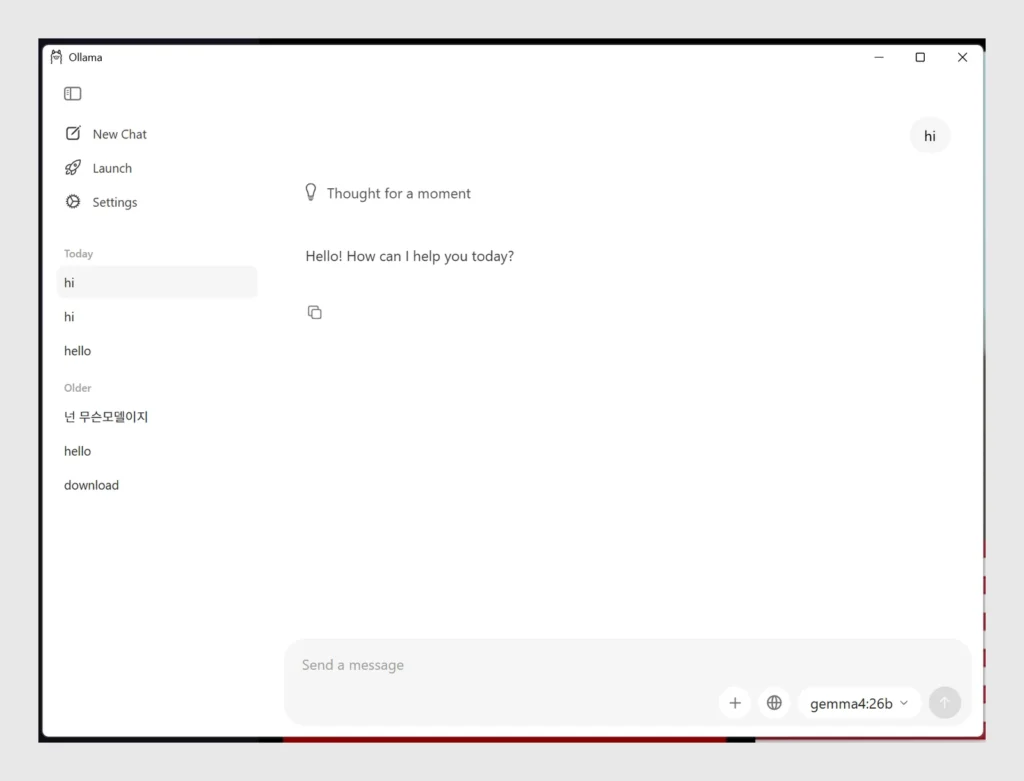
Ollama is the best known way to run open models on your own computer, and the engine many other apps on this list are built around. One command, ollama run with a model name, downloads and starts a model, and Ollama serves it on localhost port 11434 with an OpenAI compatible API. It is MIT licensed and runs on macOS, Windows and Linux.
Since mid 2025 Ollama also ships a desktop chat app for macOS and Windows, so it is no longer terminal only. Development is very active, and the model library covers Qwen, Llama, Gemma, Mistral, DeepSeek and OpenAI own open weight gpt oss models. If you only install one thing from this list, install Ollama: everything else either uses it or competes with it.
Key features: one command model downloads, local API for other apps and coding agents, desktop chat app, huge model library, runs on CPU or GPU.
Pricing: free and open source for local use. Ollama also sells cloud access to large open models, with a free tier and paid plans from $20 a month, but local use costs nothing.
2. Open WebUI
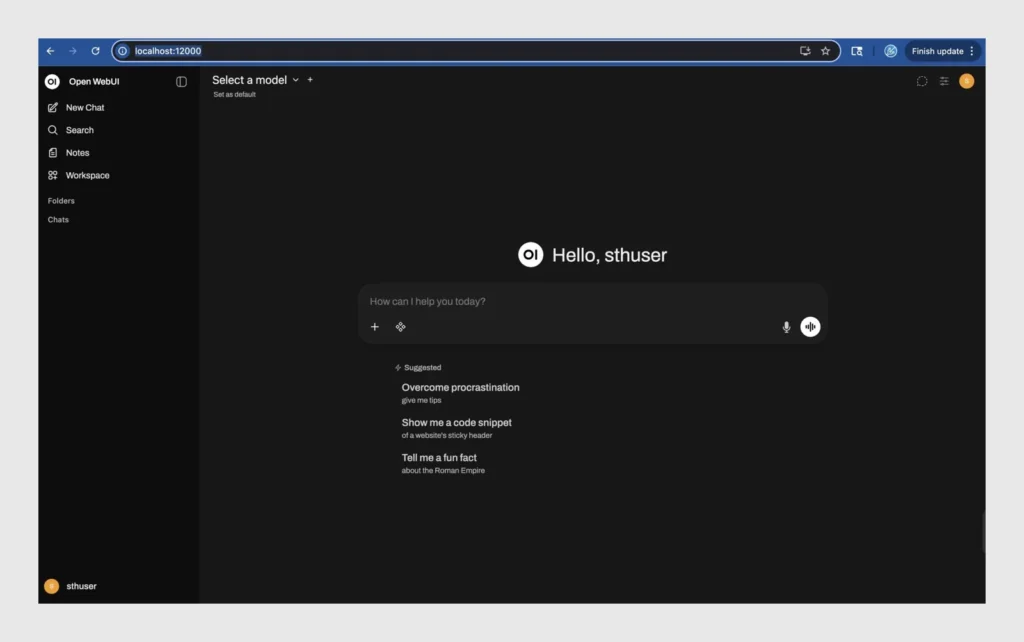
Open WebUI, formerly Ollama WebUI, is a self hosted web interface that looks and feels much like ChatGPT. You run it with Docker on your own computer or server, connect it to Ollama or any OpenAI compatible API, and you get a polished chat UI with multiple models, chat history, file uploads, image generation support and user accounts, so one install can serve a household or a small team.
Read the license before you rebrand it: Open WebUI used the BSD 3 license up to version 0.6.5, and switched to the Open WebUI License with a branding clause from version 0.6.6. For personal and internal team use it is free, but commercial redistribution has conditions.
Key features: ChatGPT style web interface, multi user support, document chat with retrieval, model management, works with Ollama and cloud APIs.
Pricing: free to self host.
3. LibreChat
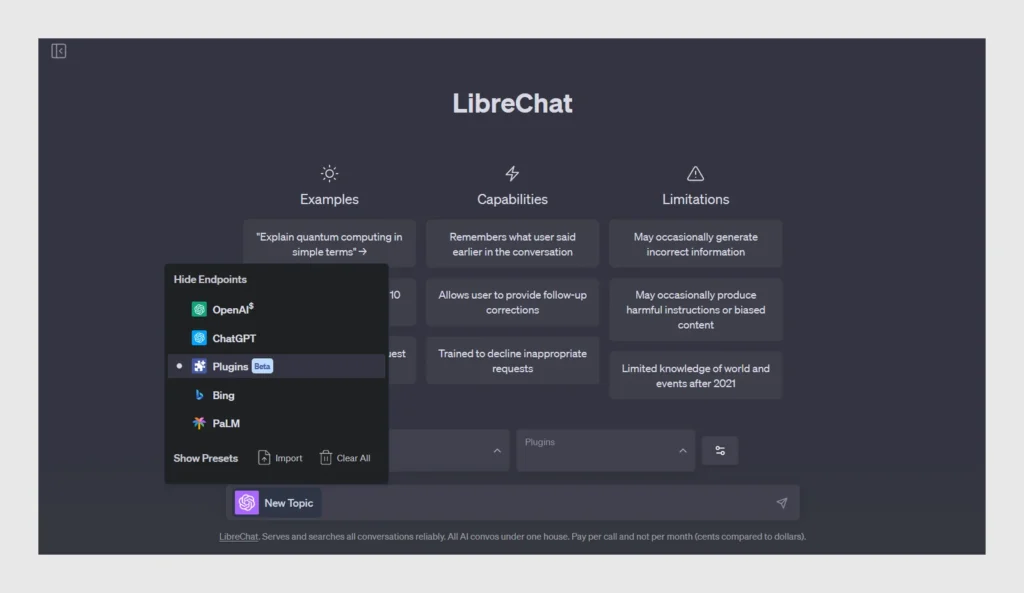
LibreChat is an MIT licensed ChatGPT clone you self host, usually with Docker Compose. It is the closest open source match to the ChatGPT interface, with support for multiple AI providers, conversation branching, presets, plugins, file search and multi user accounts. It connects to local models through Ollama or other OpenAI compatible endpoints, and to cloud models with your own API keys.
LibreChat suits people who want one interface for everything: local models for private chats, cloud models for hard problems, all in the same familiar UI. Setup needs Docker and a little patience, but the documentation is thorough and the community is active.
Key features: ChatGPT like UI, multi provider support, conversation search and branching, presets and plugins, multi user with admin controls.
Pricing: free and open source. You pay only for any cloud API usage you choose.
4. Jan
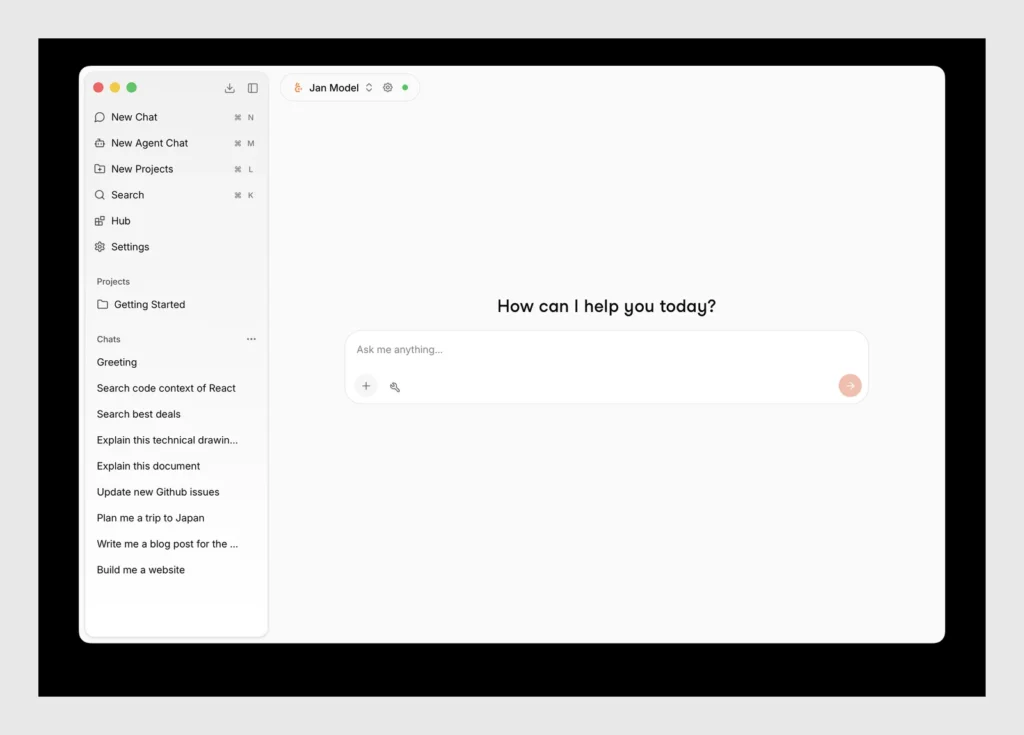
Jan describes itself as an open source alternative to ChatGPT that runs 100 percent offline on your computer. Install it, let it download a recommended model during setup, and start typing. It runs local models on a bundled llama.cpp engine with acceleration on NVIDIA, AMD and Intel Arc graphics, and it can also connect to cloud models from OpenAI, Anthropic, Mistral and Groq with your own key.
Jan is the pick for someone who wants a private chat app with no server, no Docker and no terminal. It is Apache 2.0 licensed, supports chat with your files including citations, and keeps all chats and settings on your machine. It does not yet remember you across chats, a feature the team lists as coming soon.
Key features: simple desktop chat app, fully offline capable, chat with documents, cloud model support with your own keys, open source.
Pricing: free and open source.
5. LM Studio
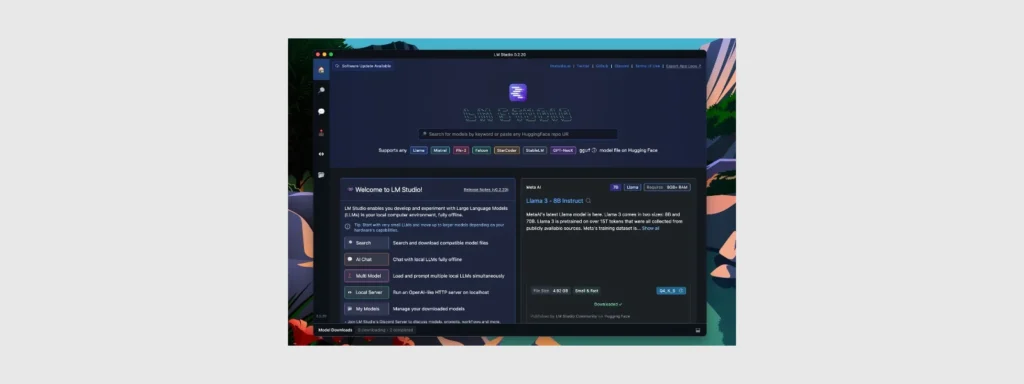
LM Studio is the most polished way to run local models, and the one honest exception on this list: the desktop app is closed source, though free for home and work use, while its command line tool, SDKs and MLX engine are MIT licensed on GitHub. We include it because it is free, it runs open weight models, and for many beginners it is simply the easiest place to start.
You search for an open model such as Qwen, Gemma, Mistral or gpt oss inside the app, and LM Studio shows which versions fit your hardware before you download several gigabytes. After that, chat works fully offline. It has a clean chat window, chat with PDF, Word and text documents, MCP tool support, and a local server that speaks OpenAI and Anthropic formats. It needs a CPU with AVX2 and ideally 16GB of RAM or more.
Key features: polished desktop app, model browser with hardware fit checks, document chat, local OpenAI compatible server, Apple Silicon MLX support.
Pricing: free for home and work use. The company also sells Bionic, an agent app with optional cloud models, from $20 a month.
6. GPT4All
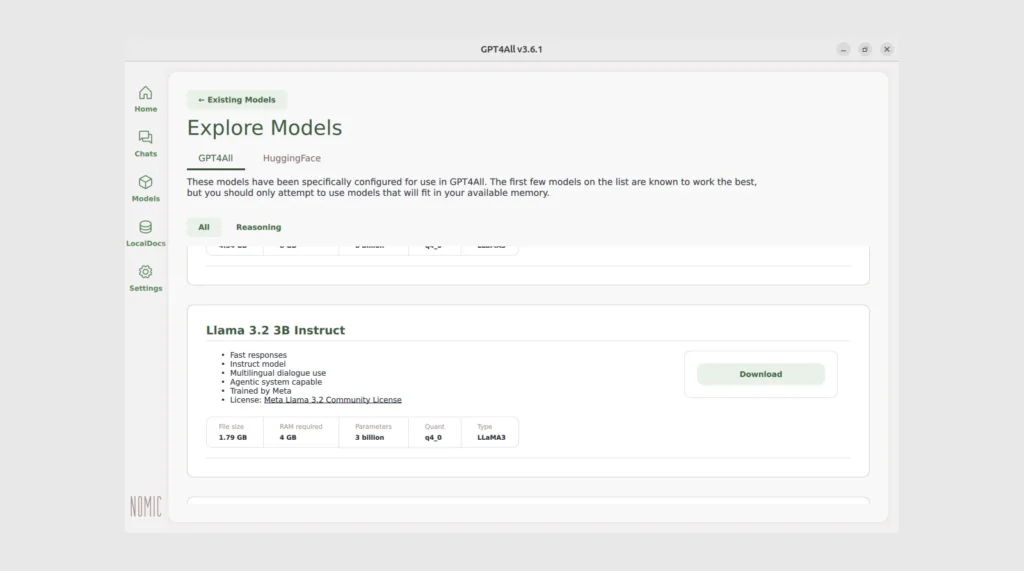
GPT4All is an open source desktop chat app built for PCs without a gaming graphics card. It runs models on your CPU, which makes it a good fit for older laptops and office machines that have no dedicated GPU. The interface is simple: download a model from the built in catalogue, chat, and optionally point it at a folder of documents to chat with your own files.
GPT4All is MIT licensed and genuinely easy to install, which is why it is often the first local AI app people try. CPU only inference is slower than GPU inference, so keep to smaller models, 3B to 8B, for a responsive experience.
Key features: CPU friendly local chat, built in model catalogue, chat with local documents, simple installer, open source.
Pricing: free and open source.
7. AnythingLLM
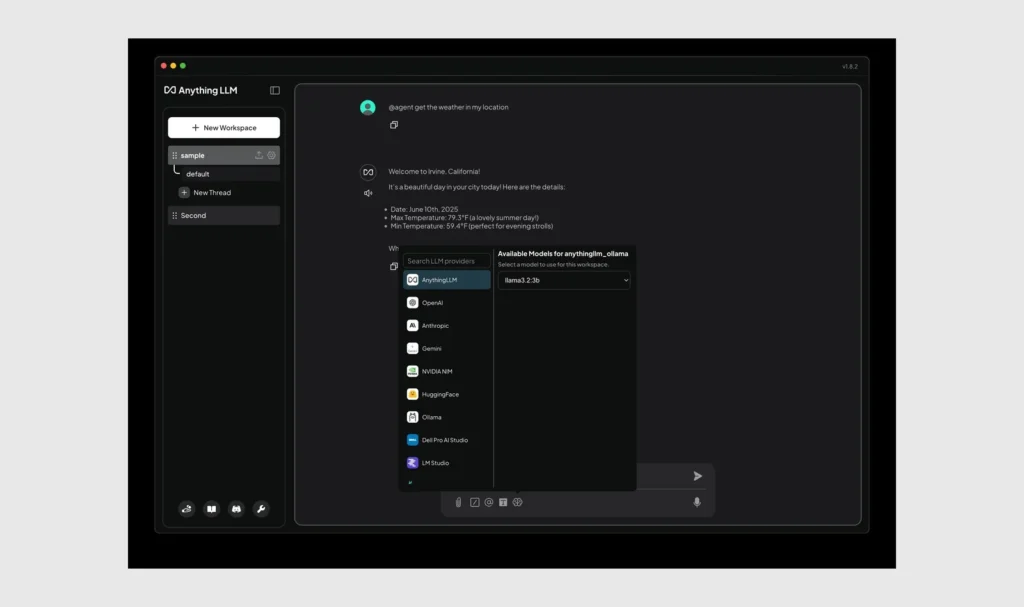
AnythingLLM is the pick when your main job is getting answers from your own documents. It is an all in one AI application that runs locally or self hosted, connects to Ollama for local models, and lets you build workspaces around your files, PDFs, docs, web pages, and chat with them using retrieval. It has a clean desktop app and a Docker version for teams.
Unlike the pure chat apps, AnythingLLM is built around workspaces and agents: you can give it tools, connect it to data sources, and embed it as a chatbot on a website. It is MIT licensed and actively developed.
Key features: document workspaces with retrieval, local and cloud model support, agent tools, embeddable chat widget, desktop and Docker versions.
Pricing: free and open source for the desktop and self hosted versions.
8. Text Generation WebUI
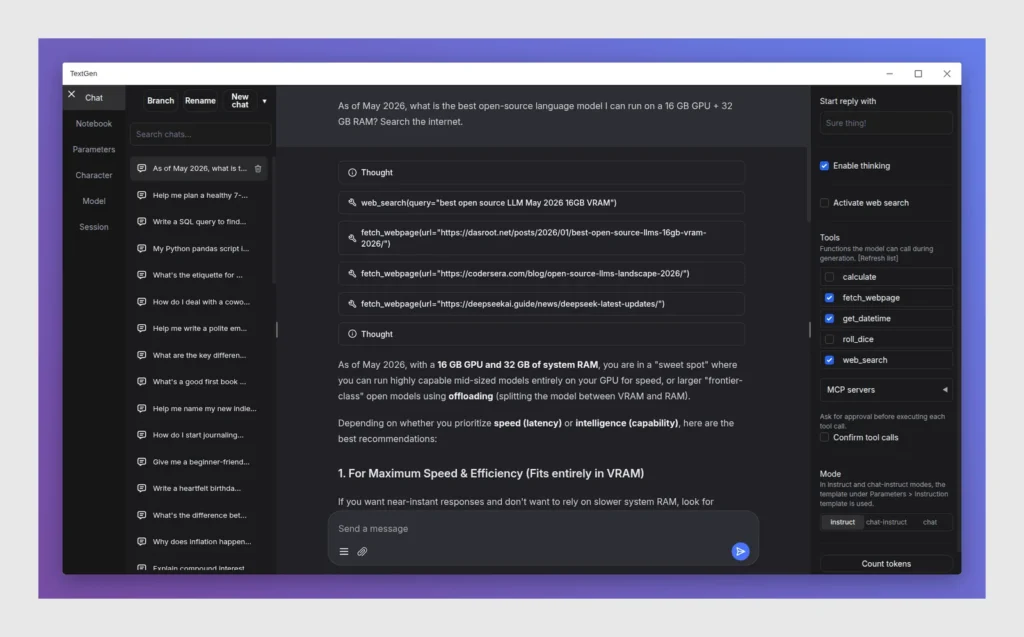
Text Generation WebUI, often called oobabooga after its creator, is the power user choice. It is a Gradio based web interface for running large language models with an enormous range of settings: samplers, presets, extensions, character cards, model loaders and fine tuning options. If you want to control exactly how a model generates text, this is the tool.
The trade off is complexity. Setup is more involved than Jan or LM Studio, and the interface assumes you know what terms like temperature, top p and repetition penalty mean. For tinkerers and researchers, that control is the point. It is AGPL 3.0 licensed.
Key features: deep control over generation settings, extensions and character support, many model loaders, chat and notebook modes, open source.
Pricing: free and open source.
9. LocalAI
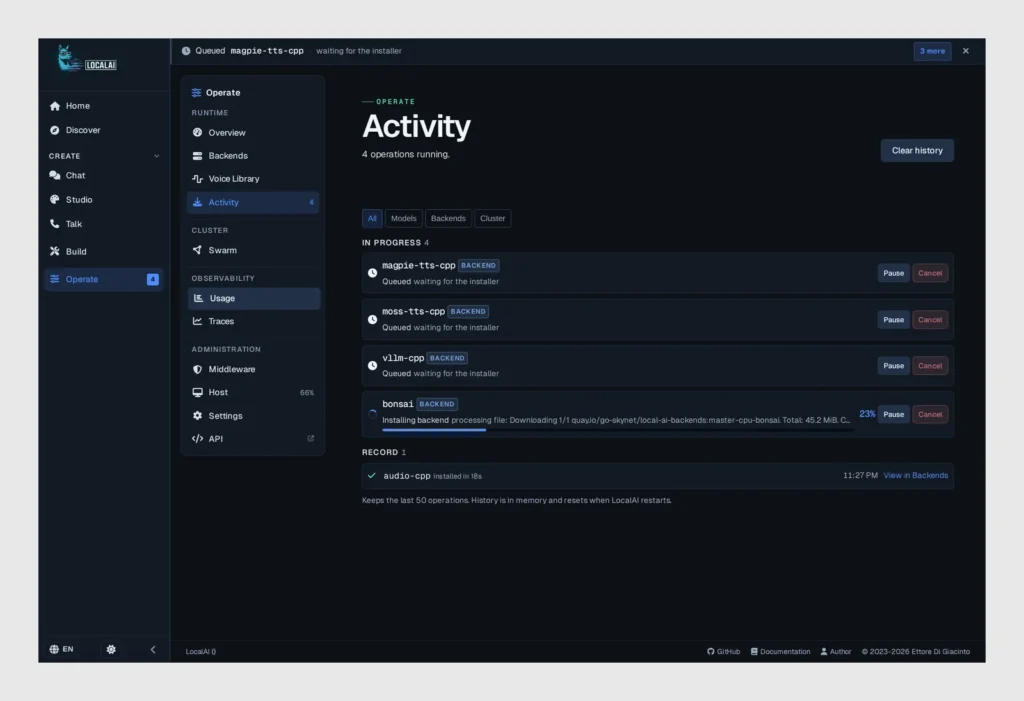
LocalAI is a self hosted, OpenAI compatible API server that lets you run models locally and call them with the same API your existing apps already use. Point any OpenAI client at LocalAI, and it answers with a local model instead, no code changes needed. It supports text, image and audio models, and runs on CPU or GPU.
LocalAI is the pick for developers who have already built something against the OpenAI API and want to swap in local models, or who want one local server that many apps can share. It is MIT licensed and runs well in Docker.
Key features: drop in OpenAI API replacement, text, image and audio models, Docker friendly, community model gallery, open source.
Pricing: free and open source.
10. KoboldCpp
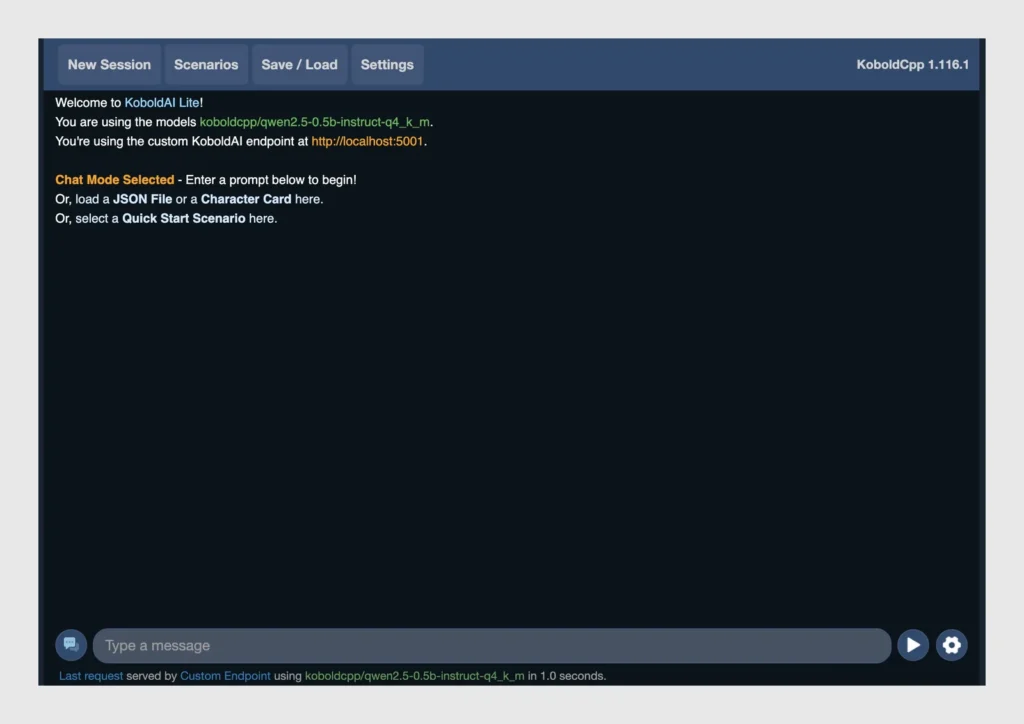
KoboldCpp is the simplest install on this list: a single executable file that runs GGUF models with a web UI, no Python environment, no Docker, no setup. Download one file, run it, open your browser, and you are chatting with a local model. It supports CPU and GPU acceleration, including Vulkan for AMD and Intel cards, and it is AGPL 3.0 licensed.
KoboldCpp grew out of the AI storytelling community, so it has strong features for creative writing and roleplay, but it works perfectly well as a general local chat interface. It is also a good choice for unusual hardware, since it runs on almost anything.
Key features: single file, zero install, GGUF model support, GPU acceleration via CUDA, Vulkan and Metal, web UI included, open source.
Pricing: free and open source.
Which Model Should You Run?
The app is the interface, the model is the brain. As a starting point for 2026, Qwen3.5 4B is a strong default for 8GB machines, Qwen3 8B or Llama 3.1 8B suit 16GB machines, and OpenAI gpt oss 20b runs in about 16GB of memory if you want an open weight model from OpenAI itself. Our guide to lightweight AI coding assistants for 8GB RAM laptops has a full model size table, and our free GPU cloud platforms list shows where to run bigger models when your laptop cannot.
How to Choose
- Want the easiest start? Jan or LM Studio. Install, download a model, chat.
- Want a ChatGPT clone for your household or team? Open WebUI or LibreChat on a home server.
- Want to build apps and agents on local models? Ollama as the engine, LocalAI if you need OpenAI API compatibility.
- Want answers from your documents? AnythingLLM or Jan.
- Want maximum control? Text Generation WebUI or KoboldCpp.
Conclusion
ChatGPT Plus is still the simplest way to get a frontier model, but it is no longer the only way to get a useful AI assistant. For everyday writing, coding help and document work, a local setup built on Ollama, Jan or Open WebUI costs nothing per month, keeps your data on your machine, and works offline. Start with Jan if you want chat in five minutes, or Ollama if you want the engine that powers everything else, and add a web UI when you are ready to share it with your household.
Don’t Miss These, Explore More Topics