Best AI Tools for Architectural & Interior Design Rendering
Rendering used to be the slow part of architecture and interior design. A single photoreal image could take hours of lighting, texturing and waiting for the render to finish. AI changed that. The tools below turn a sketch, a floor plan, a 3D model or a plain room photo into a client ready render in under a minute, and the best of them keep your geometry, layout and camera angle intact while they do it.
There is no single best tool. The right pick depends on what you start from. If you design inside Revit or SketchUp, you want AI in your viewport. If you start from a room photo or a sketch, you want a browser renderer. If you need exact geometry and walkthroughs, you want a real time engine. This guide compares seven tools across those workflows, with prices checked against vendor pages in late 2026.
Quick Comparison: AI Rendering Tools for Architecture and Interiors
| Tool | Best For | Starts From | Free Option | Starting Price |
|---|---|---|---|---|
| Veras | AI inside Revit and SketchUp | Live 3D model, sketch or image | 14 day free trial | About 17 dollars a month, billed yearly |
| D5 Render | Real time walkthroughs | Imported 3D model | Community edition, non commercial | About 30 dollars a month, billed yearly |
| MyArchitectAI | Fast photoreal renders | Sketch, plan or photo | Yes, 10 renders | About 29 dollars a month |
| Render a House | Sketch, plan or photo to render | Sketch, plan, photo or 3D file | Yes, 3 credits a day | About 39 dollars a month |
| Midjourney | Concept art and mood boards | Text prompt | No | About 10 dollars a month |
| InteriorAI | Room restyling and staging | Room photo | No | About 17 dollars a month |
| Magnific AI | Upscaling and render enhancement | Existing render or image | No | About 39 dollars a month |
Share:
1. Veras
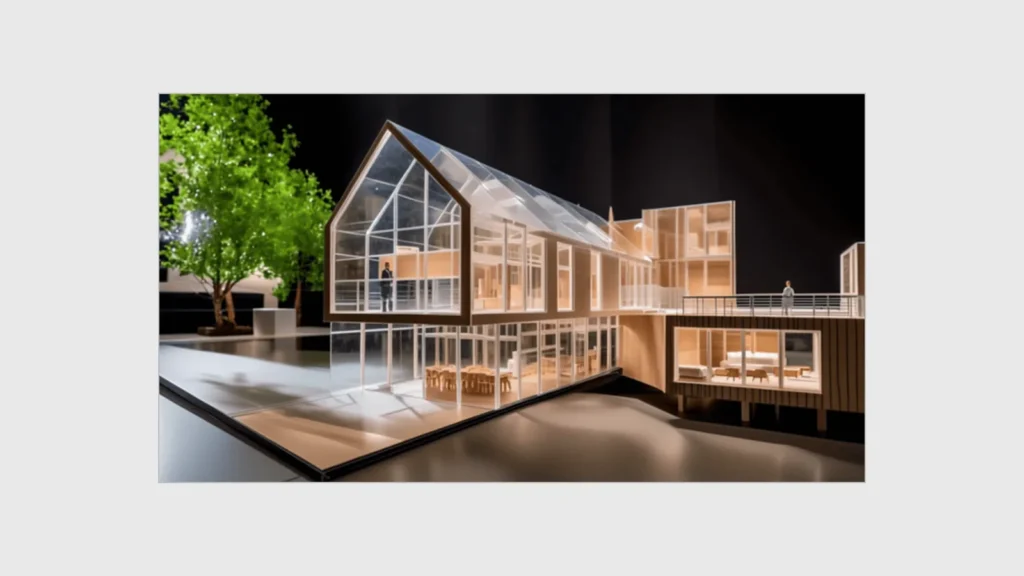
Veras, by EvolveLAB and now sold through Chaos, is the best AI renderer for architects who live inside their 3D model. It works as a plugin for Revit, SketchUp, Rhino, Archicad and Vectorworks, plus a web app that takes an image or a sketch. The defining feature is geometry aware rendering: Veras reads your live model and produces a render that stays faithful to your actual design instead of reinterpreting it into something prettier but wrong.
That fidelity is what makes Veras a professional tool rather than a toy. Clients see a render of the building you designed, not a plausible looking alternative. The current version runs on modern image models for high quality output, and it supports style presets so you can test materials, lighting moods and times of day in seconds.
Pricing note: 14 day free trial. Starter plan around 16.90 dollars a month billed yearly with 500 AI credits a month. Pro plan around 29 dollars a month billed yearly. Check the official Chaos pricing page for current rates.
Best for: architects working in Revit, SketchUp, Rhino or Archicad who need renders that match the model. Watch out for: you need a 3D model to get the full benefit, so it is less useful for pure photo restyling.
2. D5 Render
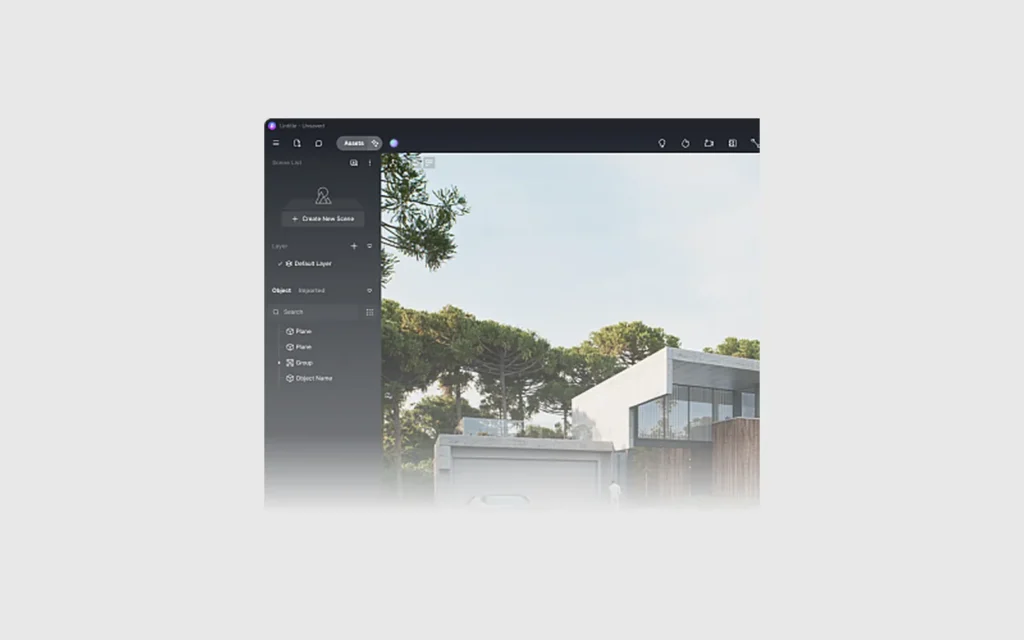
D5 Render is a full real time render engine with AI tools on top, not just an image generator. You import your 3D model, and D5 gives you live visualization, lighting, materials, animations and walkthrough videos. It is the tool to pick when you need exact geometry, camera moves and final presentation sets rather than a single concept image.
The free Community edition is the most software you get for nothing in this category, with one hard limit: it is licensed for personal, non commercial use only. Client work needs the Pro plan. D5 runs as a Windows desktop app and benefits from a good GPU, so check the system requirements before installing.
Pricing note: Community edition free for non commercial use. Pro around 30 dollars a month billed yearly, or around 38 dollars a month billed monthly. Teams plans cost more per seat. Check the official D5 pricing page for current rates.
Best for: architects and designers who need walkthroughs, animations and exact model based renders. Watch out for: it needs a real 3D model and a capable Windows PC, so it is not a quick photo tool.
3. MyArchitectAI
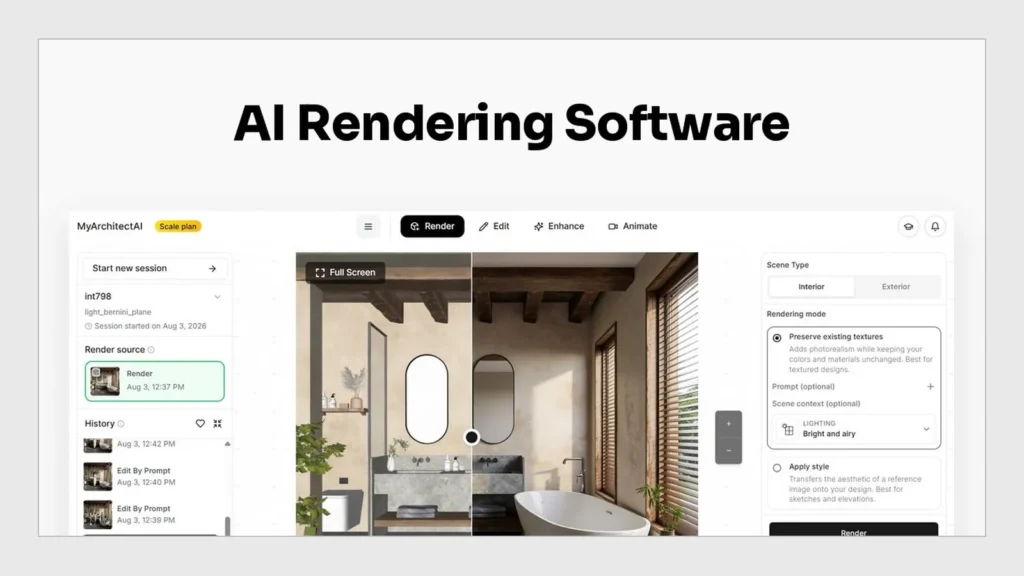
MyArchitectAI is built for speed. Upload a sketch, a floor plan or a photo, describe the style you want, and it returns a photorealistic render in seconds, in the browser, with no software to install and no 3D model needed. It handles both exterior architectural renders and interior visualization from the same interface, which makes it a good all rounder for small studios.
The free tier gives you 10 renders to try it out, which is enough to judge the quality on your own projects before paying. Output is presentation ready for client concepts and early stage approvals, though final construction level accuracy still belongs to a full 3D engine.
Pricing note: free tier with 10 renders. Paid plans from around 29 dollars a month. Check the official site for current rates and credit limits.
Best for: small studios and solo designers who want fast photoreal renders without a 3D workflow. Watch out for: like all image based renderers, it can reinterpret details, so verify dimensions and materials before presenting as final.
4. Render a House
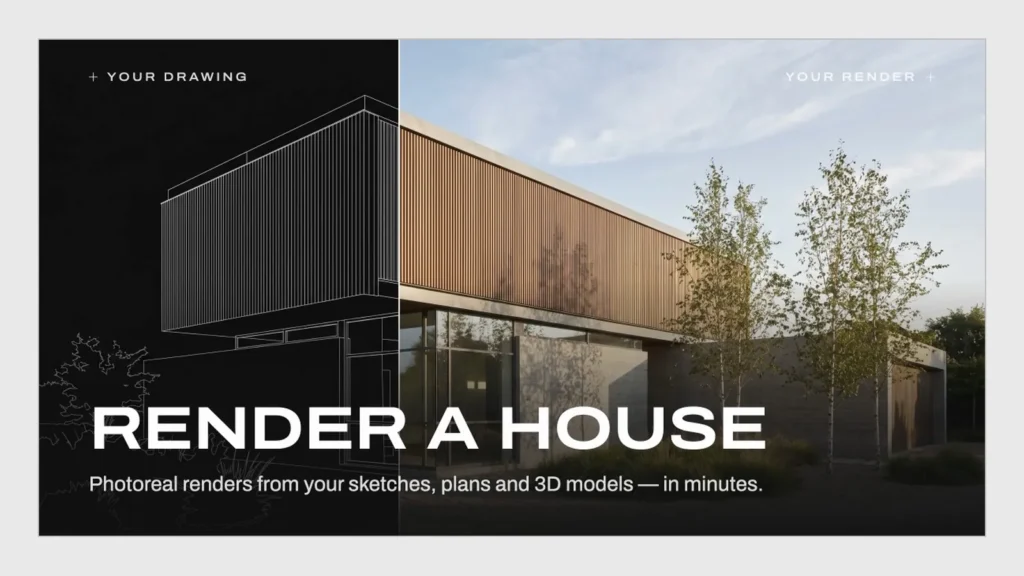
Render a House takes almost any input: a hand sketch, a floor plan, a room photo, or a 3D file such as SKP, GLB, OBJ or STL on paid plans. It returns a photorealistic interior render in 30 to 60 seconds in the browser, and it includes a client review workflow, which is a practical touch that most rivals skip.
The free plan gives 3 credits a day at 1K resolution with a watermark and no card required, which is a fair way to test it. Paid plans raise the resolution and remove the watermark. The main limits are the lack of a formal team plan, no native CAD plugins, and no direct Revit file upload, so it suits individual designers and small teams rather than large BIM heavy firms.
Pricing note: free plan with 3 credits a day. Pro around 39 dollars a month or 312 dollars a year for 240 credits a month. Studio around 99 dollars a month for 1,000 credits a month. Check the official site for current rates.
Best for: interior designers who start from sketches, plans or photos and need fast client concepts. Watch out for: credits are not unlimited, and heavy users should check the Studio plan maths before committing.
5. Midjourney

Midjourney is not a renderer in the technical sense. It does not read your model or your floor plan. What it does better than any tool here is early concept work: mood boards, style exploration, material palettes and the kind of atmospheric imagery that helps a client feel a design before it exists. A text prompt becomes a set of concept images in under a minute.
Use Midjourney at the start of a project, then move to Veras or D5 when the design firms up. It is also the best tool here for presentation covers, competition boards and social content. Readers who want to go deeper should read our article 30+ Best AI Image Prompts to Copy and Paste in 2026 for prompt ideas that transfer well to design work.
Pricing note: no free plan. Paid plans from around 10 dollars a month. Check the official Midjourney pricing page for current rates.
Best for: concept imagery, mood boards and early design exploration. Watch out for: output is inspirational, not dimensionally accurate, so never present it as a final render of a real design.
6. InteriorAI
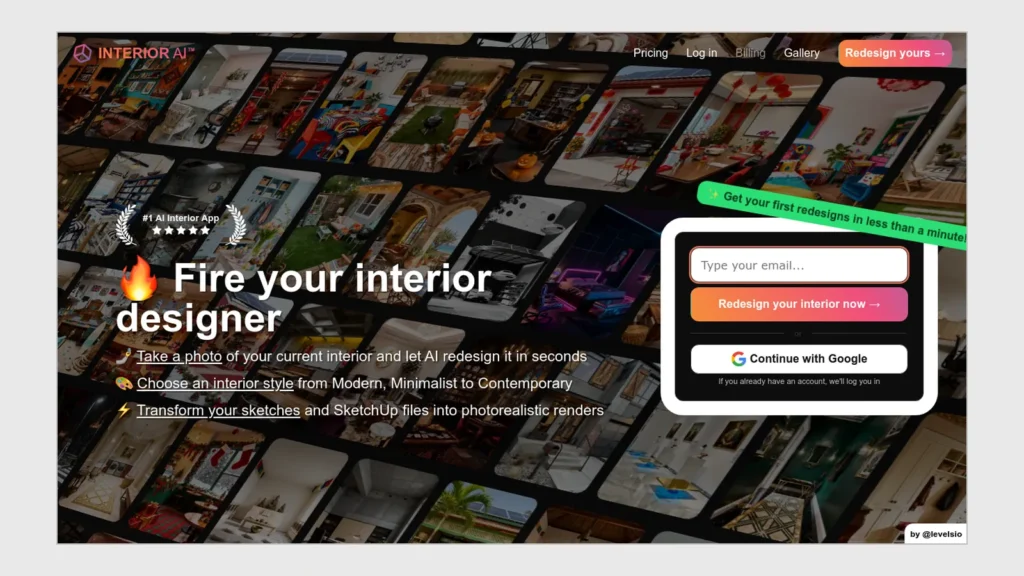
InteriorAI is purpose built for interiors. Upload a photo of a real room and it restyles it in a chosen design style, or virtually stages an empty room with furniture and decor. It is the fastest route from a plain listing photo to a styled interior image, and it is popular with interior designers, real estate agents and home stagers.
The tool is simple by design: photo in, styled room out. It does not start from a plan or a sketch, and it does not replace a full renderer for new build work. For restyling and staging, that focus is a strength, because the workflow is short and the results are consistent.
Pricing note: no free plan listed. Paid plans from around 17 dollars a month. Check the official InteriorAI site for current rates.
Best for: room restyling, virtual staging and real estate photos. Watch out for: it only works from photos of finished rooms, so it cannot help with unbuilt designs.
7. Magnific AI
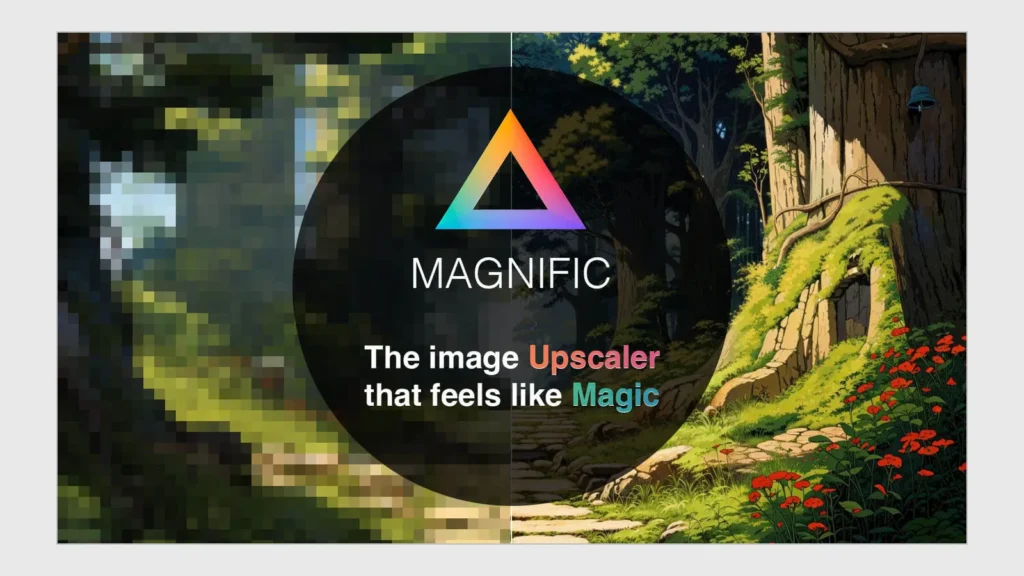
Magnific AI plays a different role: it makes your existing renders better. Upload a render or an image and Magnific upscales it, sharpens details, enhances materials and fixes the soft or muddy areas that cheaper renderers leave behind. It is the polish step at the end of the workflow, and it pairs well with any tool on this list.
Use it when a render is good but not quite presentation ready, or when you need a large print size from a small source image. It will not fix a bad design or wrong geometry, but it can lift a decent render into a portfolio quality image.
Pricing note: no free plan listed. Paid plans from around 39 dollars a month. Check the official Magnific site for current rates.
Best for: upscaling and enhancing renders before presentation or print. Watch out for: it is an enhancer, not a renderer, so you still need one of the tools above to create the image.
How to Choose the Right AI Rendering Tool
Match the tool to your starting point. If you start from a live 3D model in Revit or SketchUp, choose Veras. If you need walkthroughs and final presentation sets, choose D5 Render. If you start from a sketch, a plan or a photo and want a fast browser render, choose MyArchitectAI or Render a House. If you only restyle photos of finished rooms, choose InteriorAI. If you need concept imagery, add Midjourney. If your renders need polish, finish with Magnific AI.
Budget matters too. A solo designer can run a serious workflow on a Veras Starter plan plus Midjourney for under 30 dollars a month. A small studio adds D5 Pro or a Render a House Pro plan when walkthroughs or volume demand it. Always test with your own projects during the free tier or trial before committing, because render quality varies by input type and style.
Conclusion
AI rendering in 2026 is not one tool but a workflow: Midjourney for concepts, Veras or D5 for model faithful renders, MyArchitectAI or Render a House for fast browser work, InteriorAI for restyling, and Magnific AI for the final polish. Pick the tool that matches what you start from, test it on a real project, and build your stack from there. Your clients will see better images faster, and you will get the hours back for the design work that actually needs you.
Don’t Miss These, Explore More Topics