10 Practical Ways Lawyers & Para legals Use AI for Contract Review
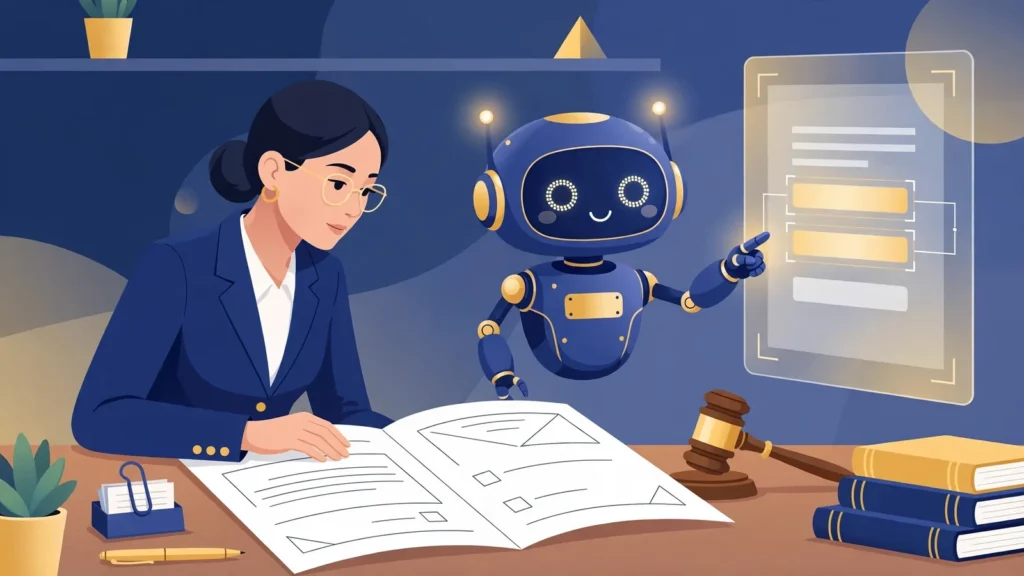
Contract review used to mean an afternoon with a highlighter, a stack of paper and a growing sense of dread. In 2026, lawyers and paralegals still do the judgment calls, but AI now handles the heavy lifting: the first read, the clause hunt, the comparison against the playbook and the summary for the client. The result is not fewer lawyers. It is faster reviews, fewer missed risks and more time for advice that actually needs a human.
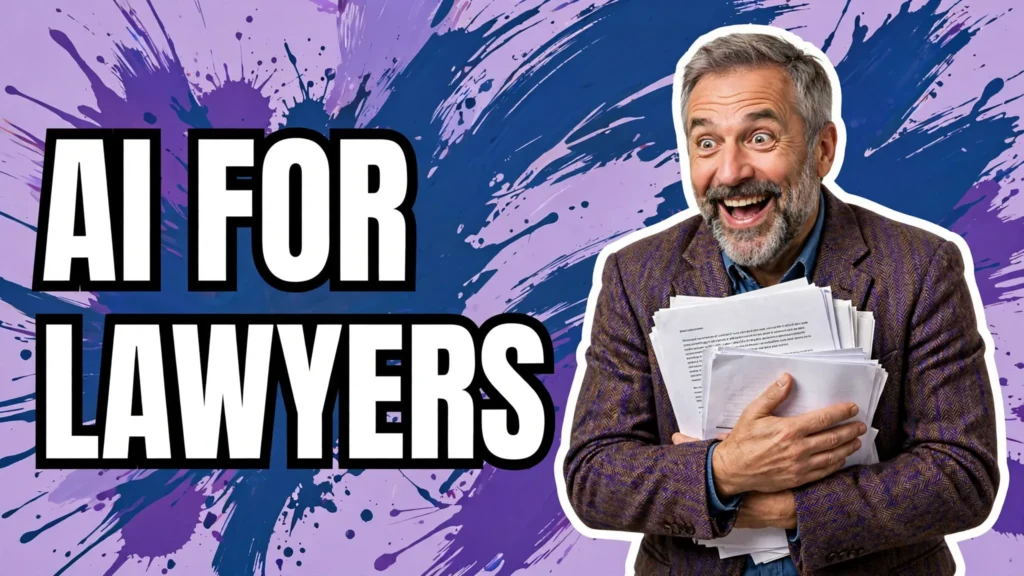
This article covers 10 practical ways legal teams use AI for contract review today, with the tools that do each job, realistic expectations about time saved, and the ethical lines that still matter. Nothing here is legal advice. It is a working guide to a workflow that is now standard in firms of all sizes.
Share:
1. First Pass Review in Minutes, Not Hours
The most mature use of legal AI is the first pass review. Upload a contract and the AI reads it end to end, flags unusual clauses, notes missing provisions and produces an issue list for the attorney to check. Work that took a paralegal an afternoon now takes minutes, with reported time savings on first pass review of 85 to 90 percent.
The key word is first pass. AI spots the issues. The lawyer decides what they mean. Firms that treat AI review as a draft, not a verdict, get the speed without the risk. Tools built for this include Thomson Reuters CoCounsel, Spellbook and Paxton AI, all of which are designed around contract documents rather than general chat.
2. Clause Extraction Across Hundreds of Contracts
Ask a human to find the indemnity clause in 400 contracts and you have a week of work. Ask an AI and you have a spreadsheet by lunch. Clause extraction pulls specific provisions, renewal dates, payment terms, liability caps and termination rights out of a whole contract set and lines them up for comparison.
This is where tools such as Kira by Litera shine. Kira holds deep penetration in large M and A practices, with a reported 70 percent share of the top 100 global law firms, and its generative AI smart fields let non technical staff set up custom extraction without coding. For a due diligence project or a portfolio audit, extraction is the single biggest time saver in the stack.
3. Playbook Comparison and Red Flagging
Most firms and legal departments have a playbook: the standard positions on liability, indemnity, governing law, data protection and payment terms. AI compares each incoming contract against that playbook and flags every clause that falls outside the approved range, with a suggested fallback position.
Luminance is built around this workflow, reviewing and negotiating contracts against playbooks, while Spellbook brings the same idea into Microsoft Word, where most lawyers already work. The practical benefit is consistency. A junior reviewer with AI and a playbook now catches issues that once needed a senior associate.
4. Plain Language Summaries for Clients
Clients do not want a 40 page contract. They want to know what they are signing, what it costs, what can go wrong and when it ends. AI turns a long contract into a one page plain language summary in minutes, with key dates, obligations and risks in a table the client can actually read.
Paralegals use this daily: a summary for the client, a summary for the file, and a summary for the partner who needs the deal in 60 seconds. Always review the summary against the original before it goes out. A summary is only as reliable as the review behind it, and a missed exception can change the meaning of a deal.
5. Due Diligence Across Whole Deal Rooms
In mergers and acquisitions, due diligence means reviewing thousands of documents under deadline. Harvey AI is the best known enterprise tool here: its Vault feature handles bulk document analysis across a whole data room, summarizing each contract and flagging unusual terms for associates to review. Harvey reports that power users at law firms save around 36.9 hours a month, nearly a full working week, while standard users save around 15.7 hours.
Harvey is priced for large firms, with custom enterprise contracts and a reported 20 seat minimum, so it is not a solo practice tool. Smaller firms get the same effect at lower volume with CoCounsel, which handles tabular review of up to 10,000 documents and 100 questions per upload according to vendor figures, or with Paxton AI, which lists transparent pricing around 499 dollars per user per month for solo and small firm users.
6. Contract Drafting From Firm Precedent
Review and drafting go together. AI drafting tools generate a first draft from the firm own templates, clause libraries and prior transactions, then the lawyer edits it into shape. Spellbook does this inside Word, which matters more than it sounds: lawyers live in Word, and a tool that meets them there gets used.
The quality rule is simple. AI drafts from precedent are good when the precedent is good. Keep the clause library clean, retire outdated templates, and treat every AI draft as a starting point. Spellbook pricing is published in a range of around 99 to 399 dollars a month depending on plan, with a free trial available, so check the official site for the current rate for your team size.
7. Obligation and Deadline Tracking
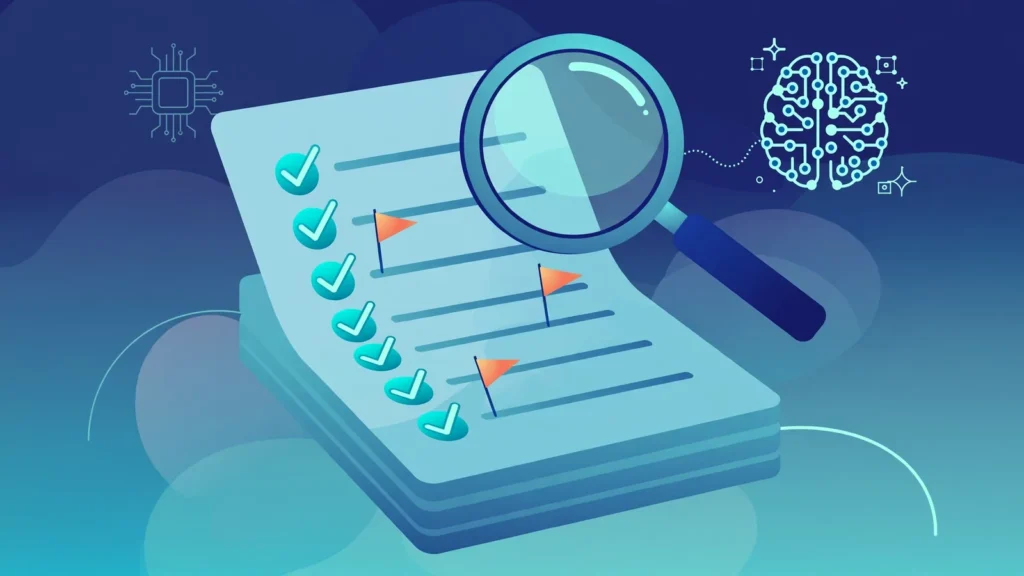
Contracts create obligations: renewal dates, notice periods, payment milestones, compliance filings and delivery deadlines. Miss one and the client pays for it. AI extracts every date and obligation from a contract and feeds it into the practice management system, where reminders and calendar entries are created automatically.
Clio Duo brings this into the practice management workflow for small firms, with pricing reported from around 39 dollars per user per month, while larger platforms such as Harvey and CoCounsel connect to document management systems such as iManage and NetDocuments. The practical win is quiet but large: fewer missed renewals, fewer last minute scrambles, and a file that tells you what is due before it is due.
8. Legal Research Grounded in Real Authority
Contract review often raises a research question: is this clause enforceable in this jurisdiction, has this provision been tested, what does the latest case law say. General chatbots answer confidently and sometimes wrongly. Legal research tools answer with citations to real cases you can check.
CoCounsel connects to Westlaw and Practical Law, which means its research memos link to actual authority with KeyCite flags you can verify. Lexis+ with Protege, the new name for Lexis+ AI since February 2026, offers the same grounded approach on the Lexis side. Always verify citations before they go into a filing or an opinion. A Stanford HAI study found that major legal AI platforms hallucinate between 17 and 33 percent of the time, which is why verification is not optional.
9. Negotiation Support and Fallback Suggestions
When the other side redlines your draft, AI helps you respond fast. It compares their changes against your playbook, explains what each change means in plain language, ranks the changes by risk, and suggests fallback wording that protects your position without killing the deal.
This turns negotiation prep from an hour of careful reading into a 15 minute review of a ranked list. The lawyer still decides which points to fight for and which to concede. AI just makes sure no change slips through unread, which is exactly how bad terms end up in signed contracts.
10. Intake, Triage and Matter Setup
The contract workflow starts before the contract arrives. AI intake tools capture client details, matter type and key facts from a phone call or a web form, then set up the matter file, run a conflicts check and route the work to the right person. Phone side intake AI captures structured data that desk side tools then operate on, which means the paralegal starts with a clean file instead of a pile of notes.
For high volume practices, this is where the hours add up. Ten minutes saved on every intake, across hundreds of matters, is a real capacity gain. It also improves accuracy, because structured intake data has fewer transcription errors than handwritten notes.
Choosing the Right Tool for Your Firm Size
The right tool depends on firm size. Solo and small firms should start with one drafting and review tool, such as Spellbook or Paxton AI, plus the practice management AI they already have, such as Clio Duo. Mid size firms add a research platform such as CoCounsel or Lexis+ with Protege. Large firms and in house departments evaluate Harvey and Luminance for bulk work and portfolio wide review.
Start with one research tool and one drafting tool. That is enough to cover most contract workflows. Add more only when a clear bottleneck remains. And always use the free trial before committing: a tool that fits your documents and your Word workflow is worth more than a tool with a longer feature list.
Ethics, Confidentiality and the Human in the Loop
AI does not remove a single ethical duty. Lawyers must verify citations, protect client confidentiality, and supervise AI output the same way they supervise a junior associate. Check your state bar rules, because they vary, and check your AI vendor data terms before uploading client documents. Know where your data goes, how long it is kept, and whether it is used to train models.
Be honest with clients about how AI is used on their matters, and never bill AI time as human time. The firms that get this right treat AI as a junior team member: fast, useful, and always checked. The US Bureau of Labor Statistics still projects paralegal employment growth through 2033, which tells you what the profession already knows. AI changes the work. It does not replace the people who do it.
Conclusion
AI contract review is no longer experimental. First pass review, clause extraction, playbook comparison, plain language summaries, due diligence, drafting, deadline tracking, grounded research, negotiation support and smart intake are all production ready in 2026. The firms winning with AI are not the ones with the most tools. They are the ones with a clear workflow, a clean playbook and a human checking every output. Pick one use case, prove it on real matters, and build from there.
Don’t Miss These, Explore More Topics